
Create an Account on MyResponsive
Manage your policy from anywhere

FREE Cash Back for Responsive Customers
Create your account, then activate your free rewards with our partner
Wellfold. Earn cash rewards at supermarkets,
restaurants and more.
See how rewards work ›
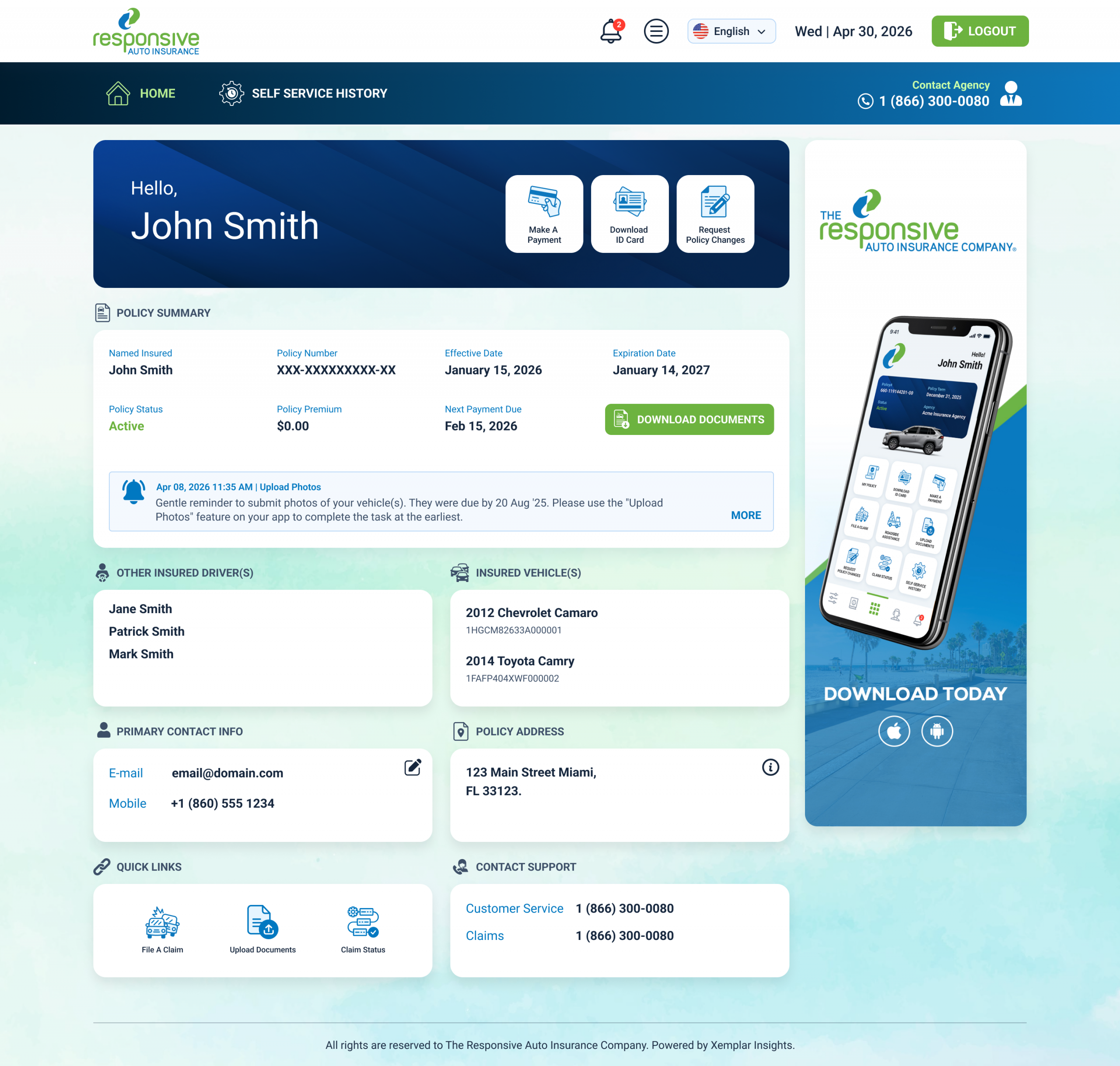
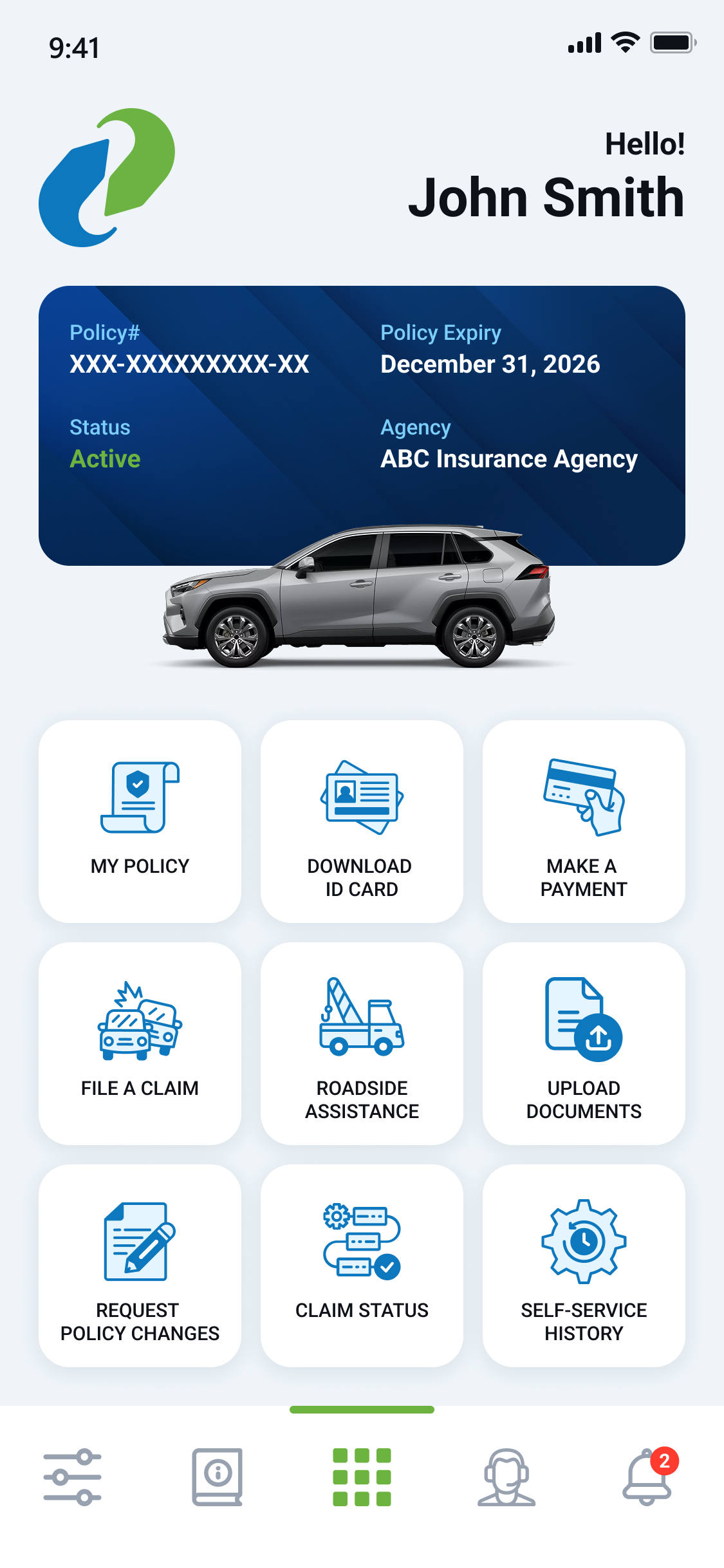
The MyResponsive customer portal — accessible online or via the app—allows policyholders to access policy documents, download ID cards, review policy details, request policy changes, and upload documents and photos.
Create an Account Online or via the App:

Create an Account Online
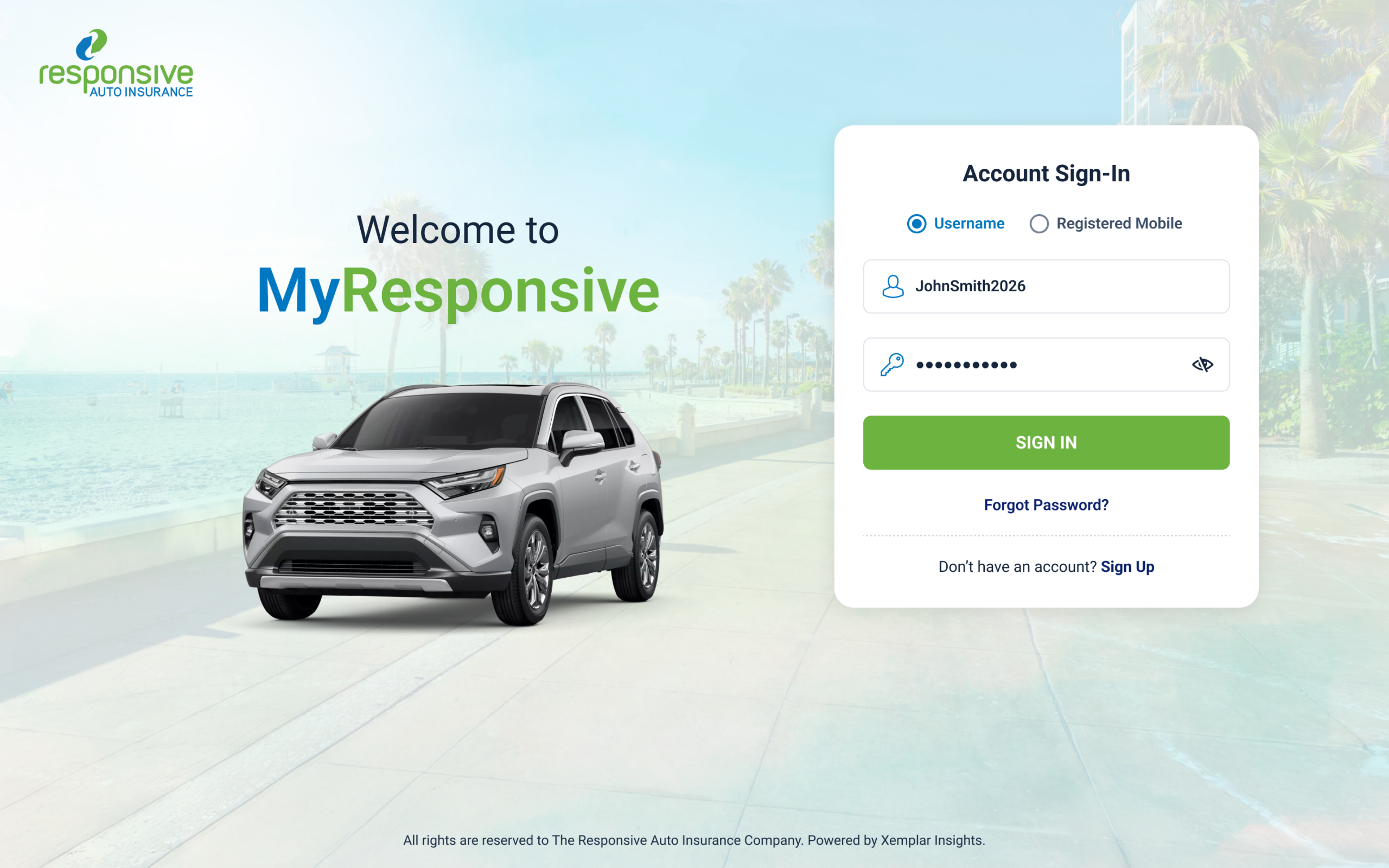
Visit customerportal.responsiveauto.com, then:
1
Select ‘Sign Up’ at the bottom of the login screen.
2
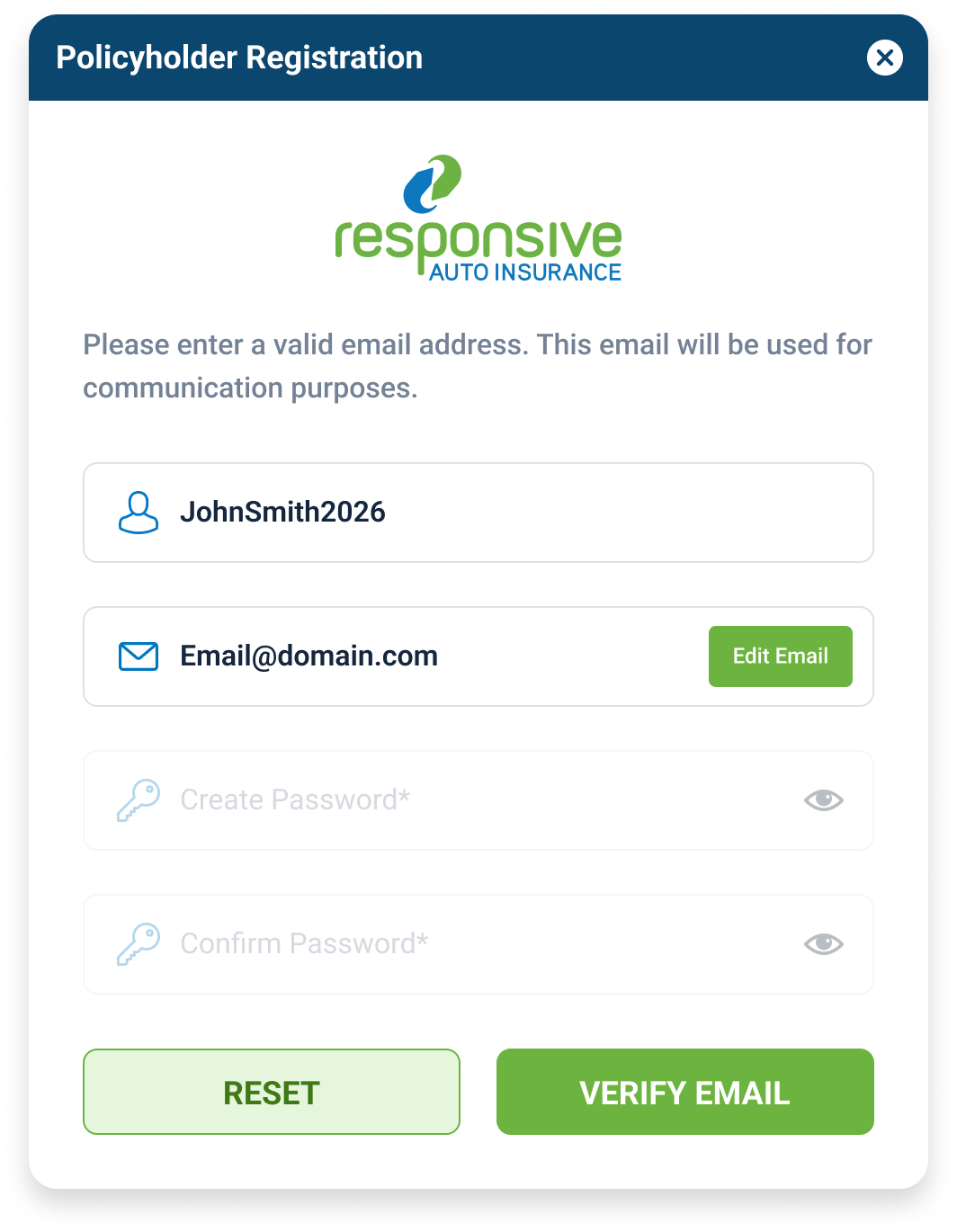
Enter your name as it appears on your policy. Match the policy format shown.
3
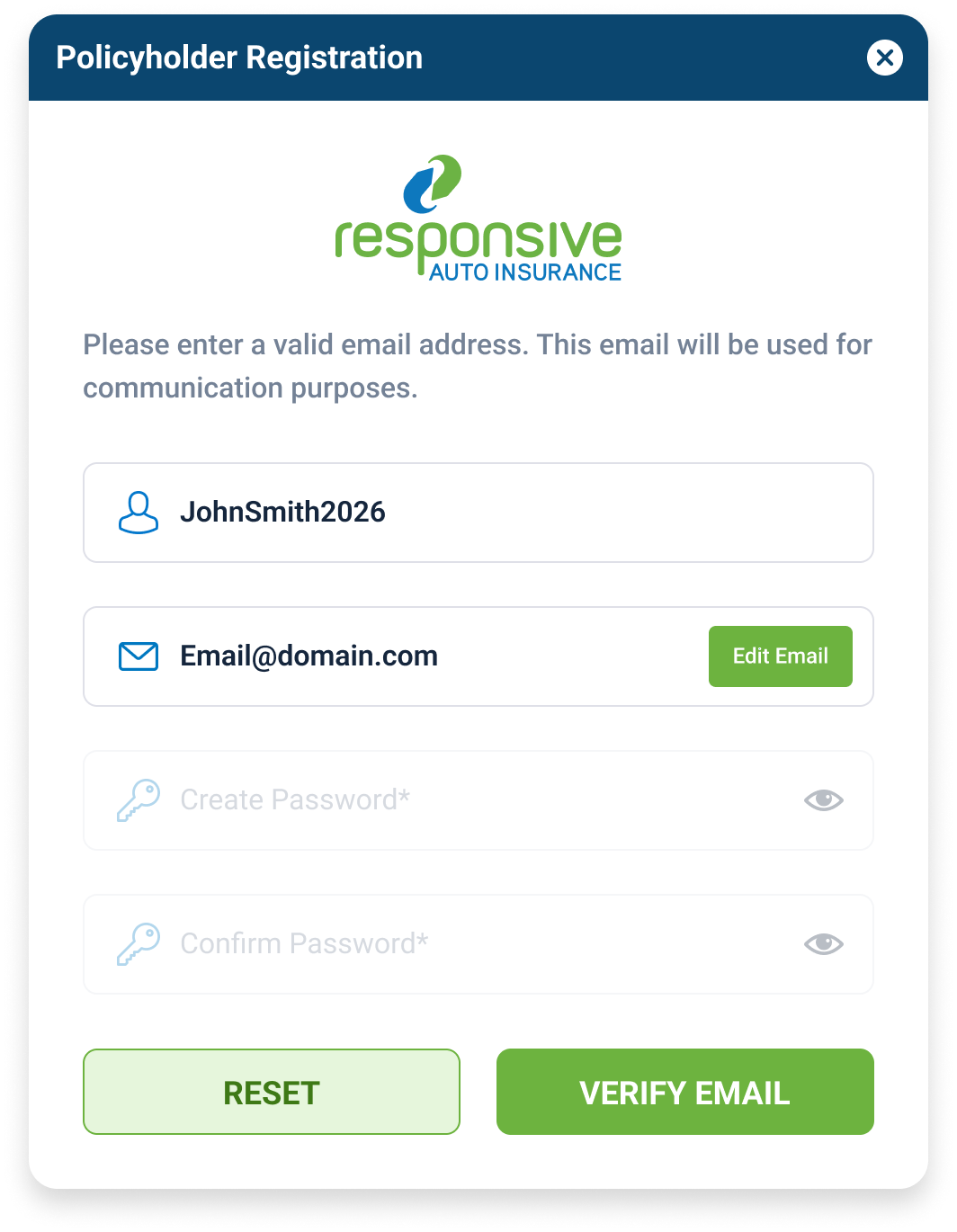
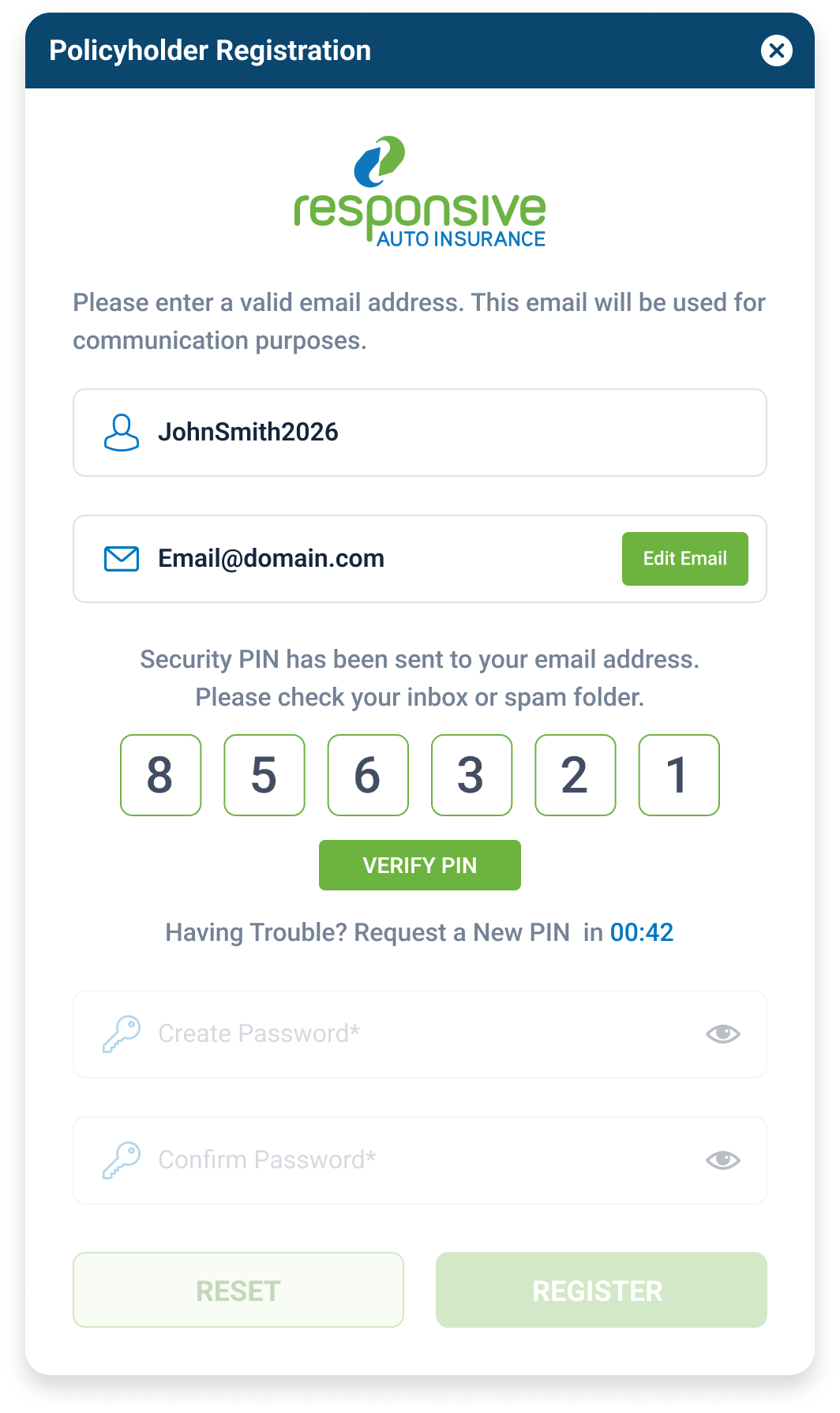
Verify your email.
4
Enter the code sent to your email. Then create a username and password.
5
You’re all set! After completing these steps, you will be taken to your account homepage.

Create an Account via the App
You can download the MyResponsive app from the App Store or Google Play Store, then:


1
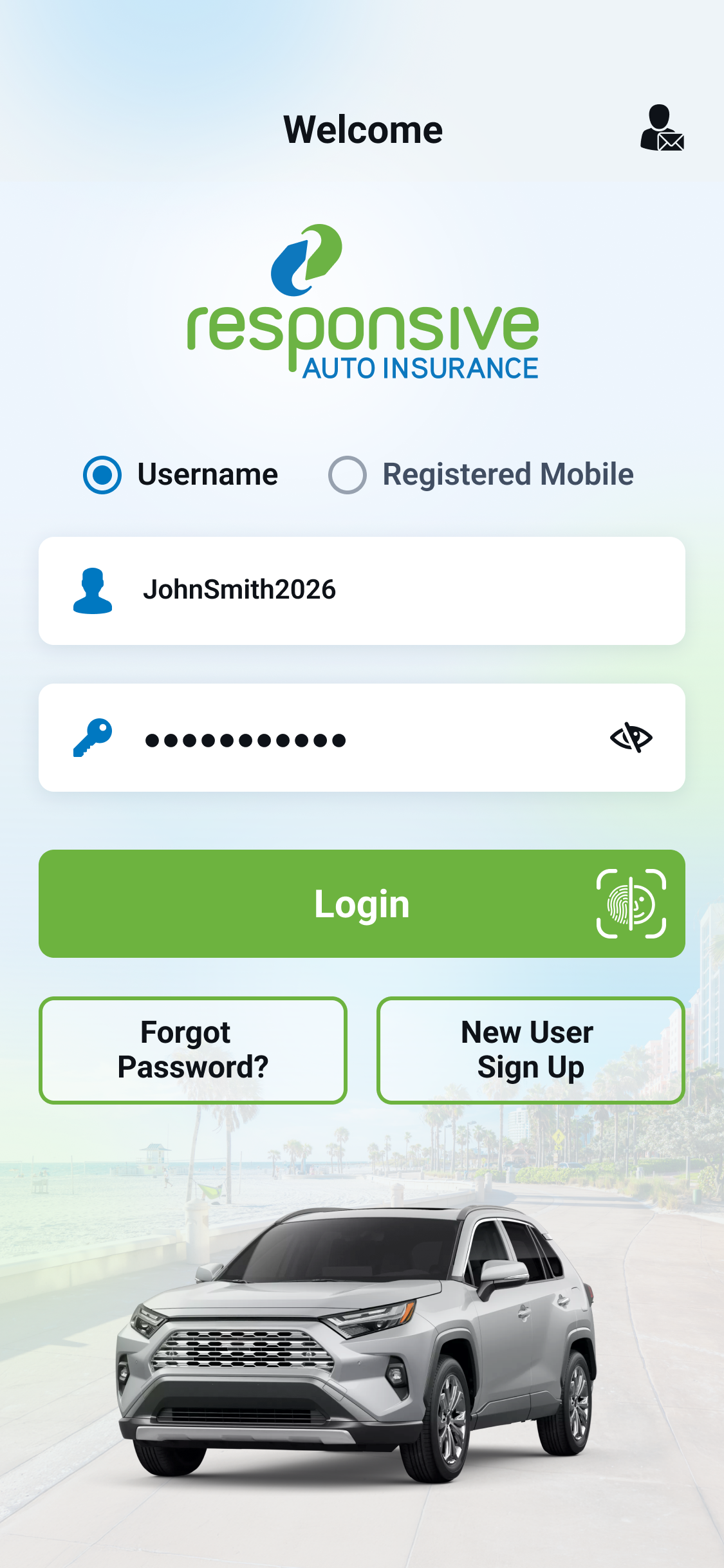
Select ‘New User Sign Up’ on the login screen.
2
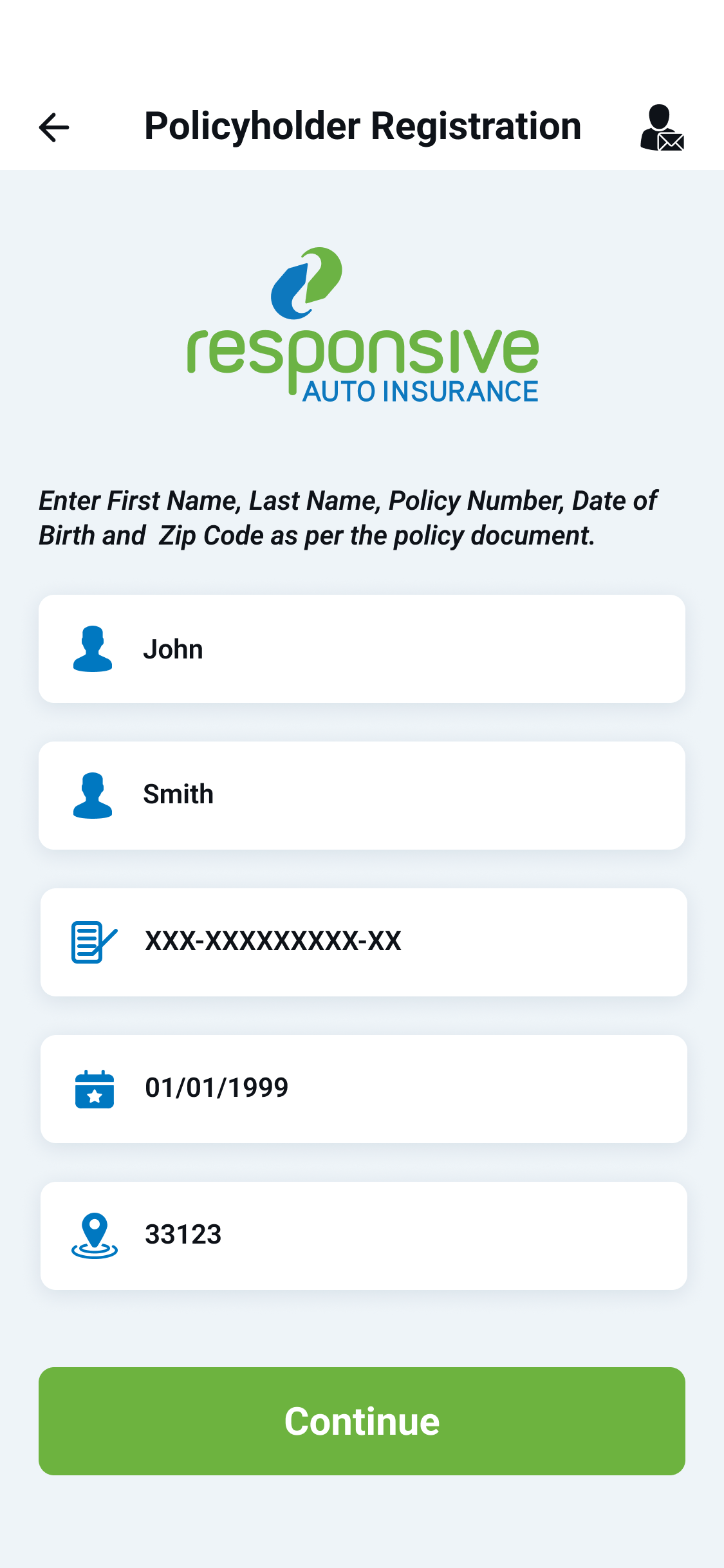
Enter your name as it appears on your policy. Match the policy format shown.
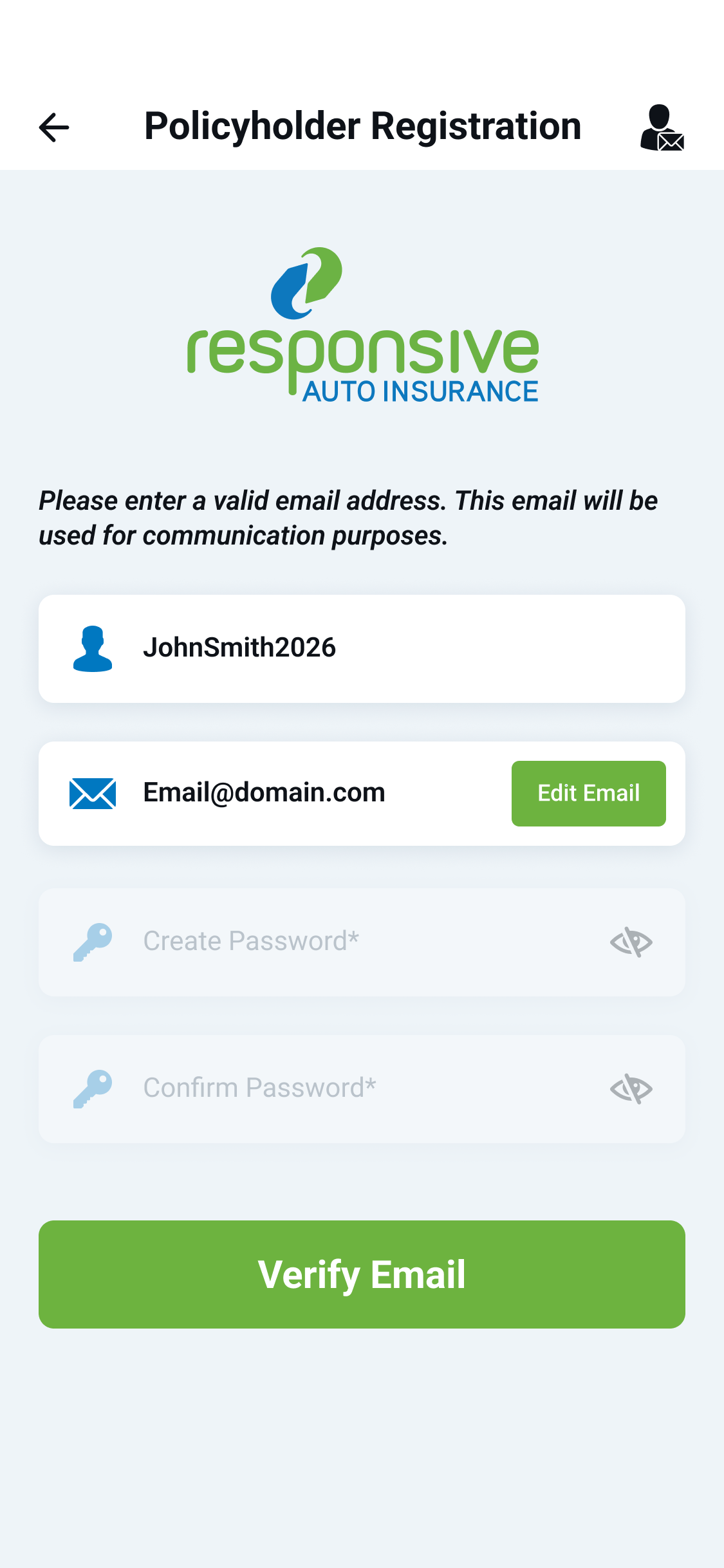
3
Verify your email.
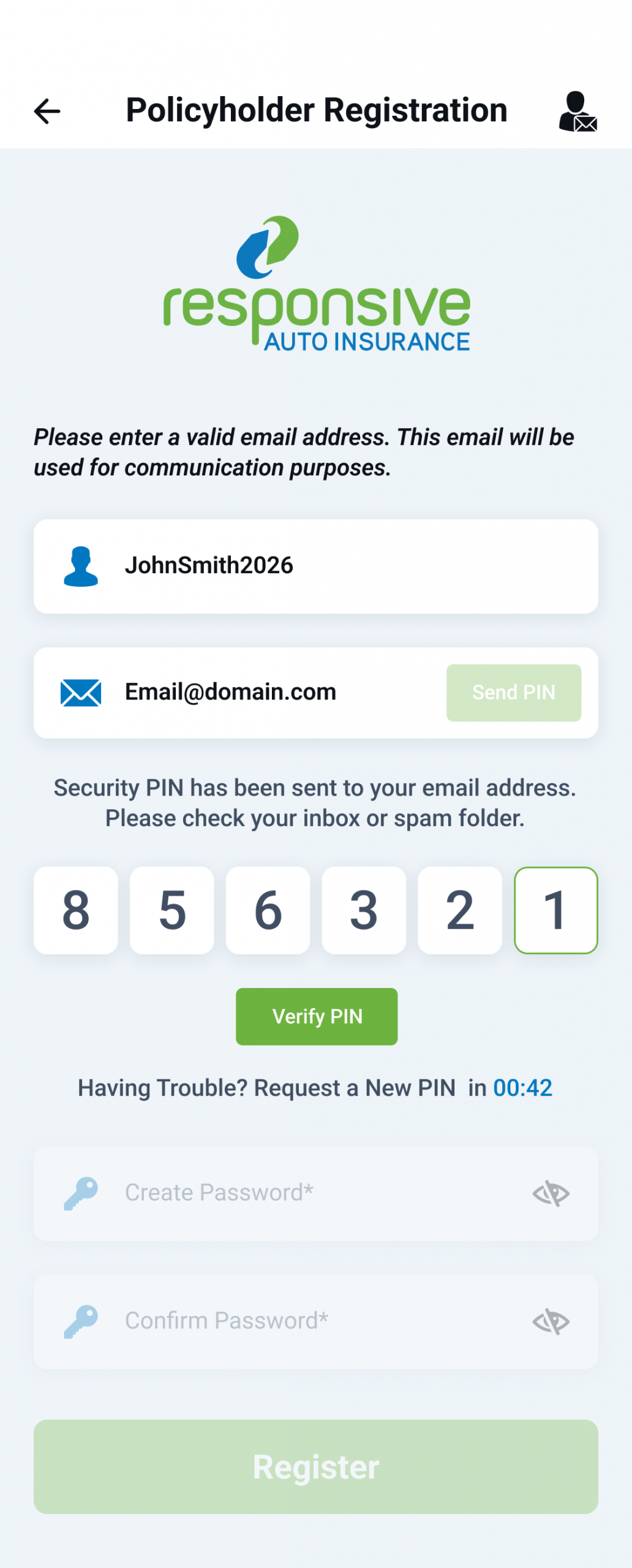
4
Enter the code sent to your email. Then create a username and password.
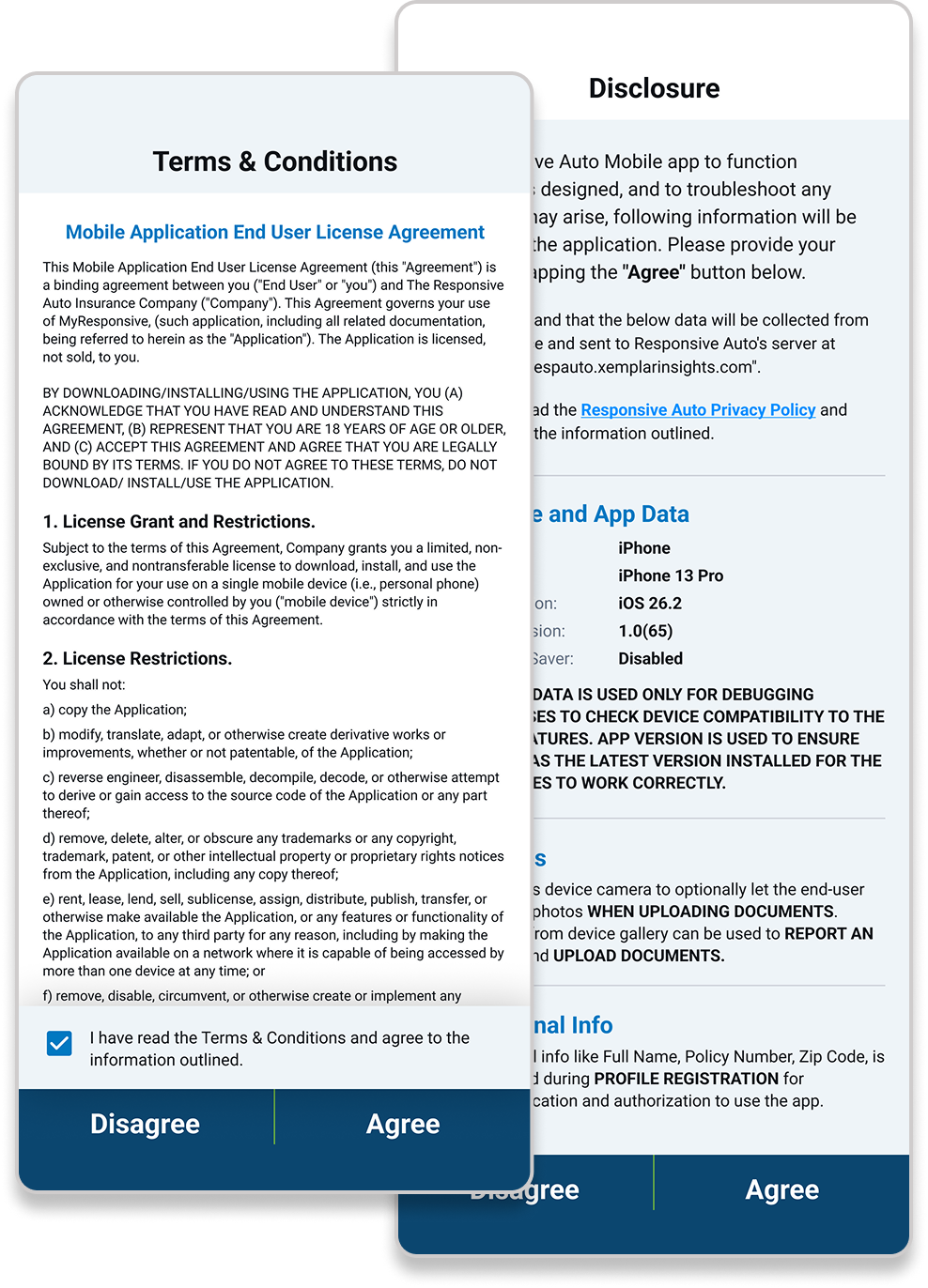
5
Accept Terms & Conditions, and then accept Disclosures.
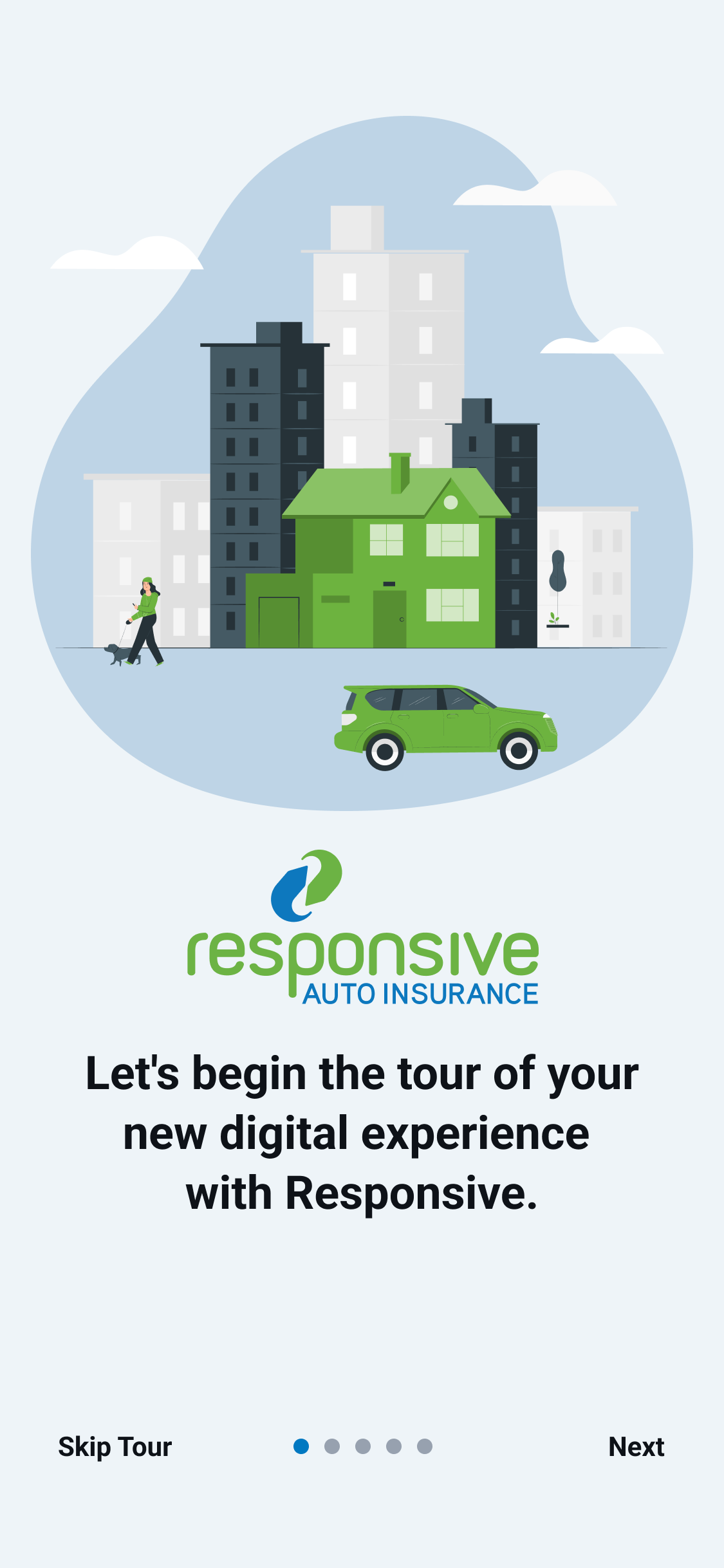
6
Review app tutorial.
7
You’re all set! After completing these steps, you will be taken to your account homepage.